
How do I test my Invisawear?Updated 5 months ago
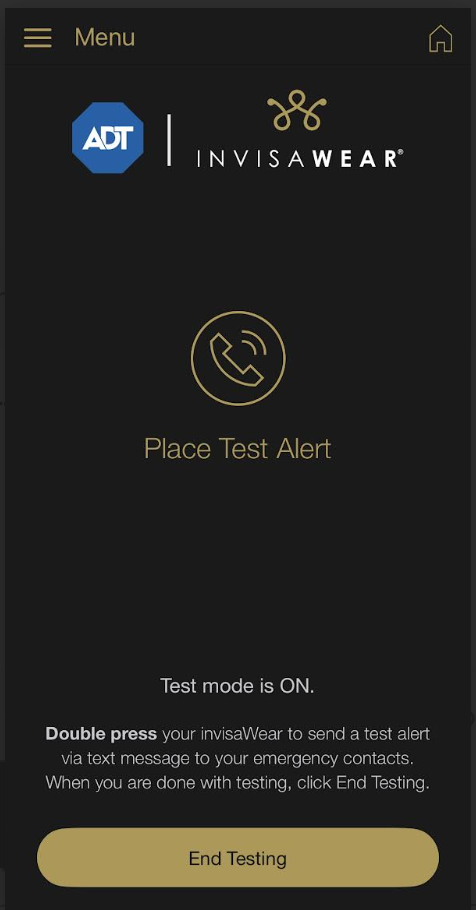
To place a test alert, please press the MENU (three gold horizontal lines in the upper left hand corner of the invisaWear app). Then tap "Place Test Alert" from the menu. Once you're on the test alert page, test mode is on, you can double press the back of your Invisawear charm to send a test alert and make sure your device is working properly.
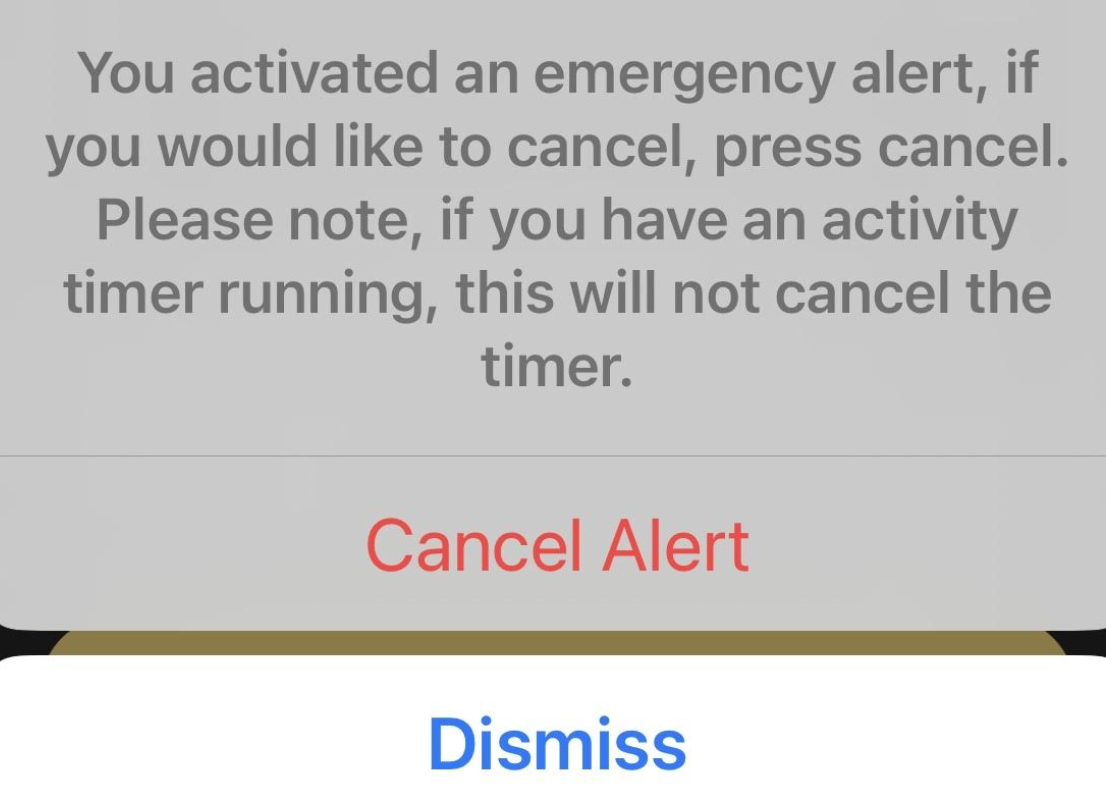
Only Alert My Emergency Contacts Mode: After placing a test alert, the user will receive this message. Please press cancel alert.
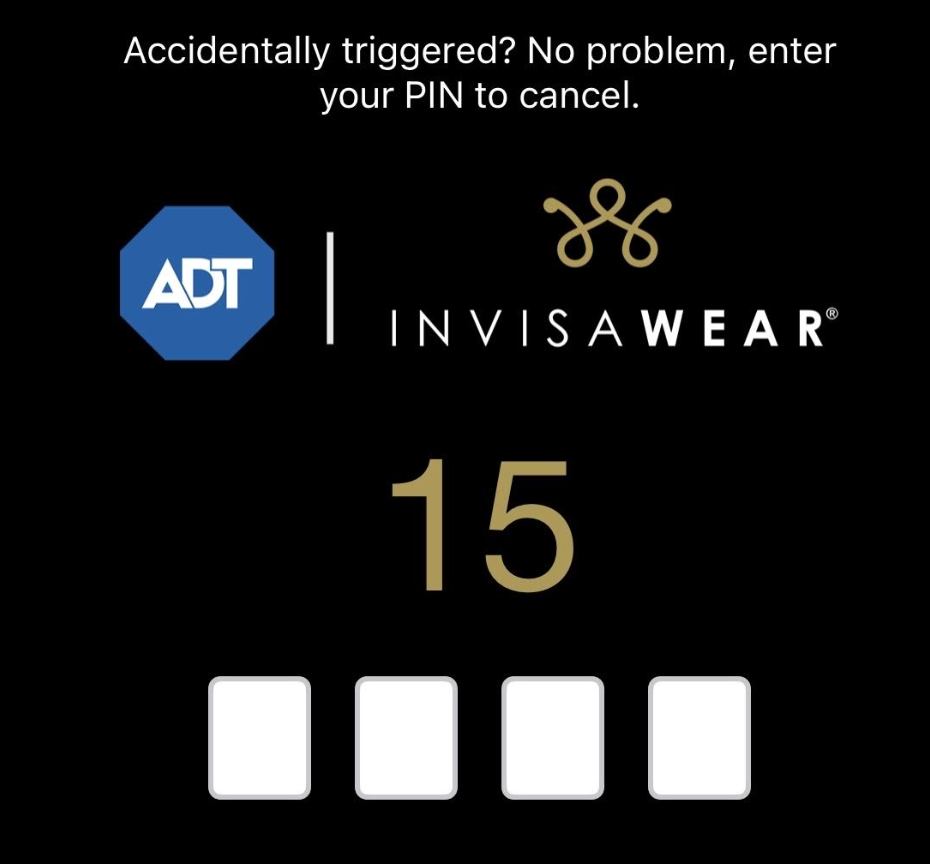
After pressing cancel alert, a pop up screen will ask you to enter your 4 digit secret pin. It gives you 15 seconds to enter your pin. If you ever forget your 4 digit pin it can be found in the app under Menu < Settings < Account Management < Personal Information (bottom of the page).
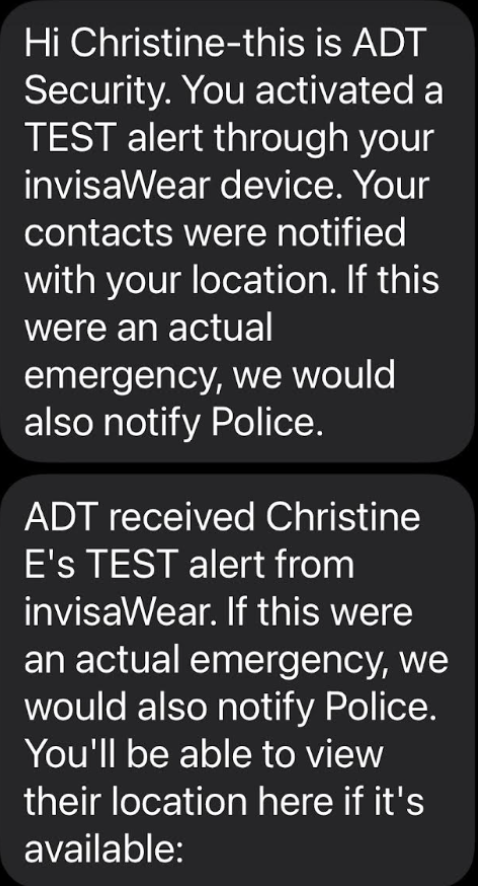
The emergency contacts will receive this message:
(User's Name) sent a TEST alert from their invisawear device. Please discuss how they'd like you to respond in a real emergency. You'll be able to view their location here if it's available: (GPS location link included in text).
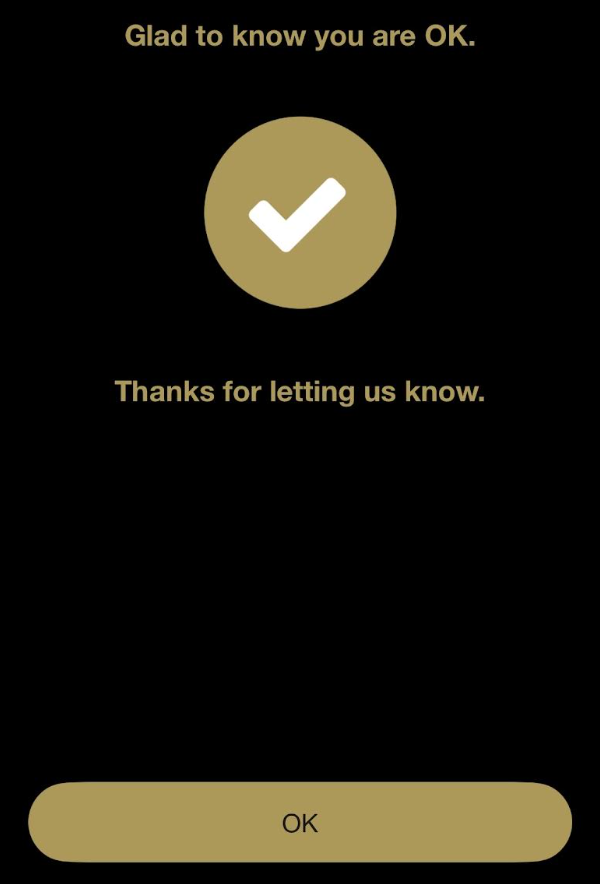
Alert My Emergency Contacts & Police Text Mode: After placing a test alert, the user will receive the same pop up notification asking to enter their 4 digit secret pin to cancel the test. If the pin is entered, none of your contacts are notified. You will then receive this notification, go ahead and click OK.
If the user lets the 15 second timer expire and does not enter the 4 digit pin, they will receive a text and notification from the app stating:
Alert My Emergency Contacts & Police Phone Mode:
After placing a test alert, the user will receive the same pop up notification asking to enter their 4 digit secret pin to cancel the test. If the pin is entered you will receive the message, glad to know you are ok, thanks for letting us know, Tap OK.
After placing a test alert, the user will receive the same pop up notification asking to enter their 4 digit secret pin to cancel the test. If the pin is entered you will receive the message, glad to know you are ok, thanks for letting us know, Tap OK.
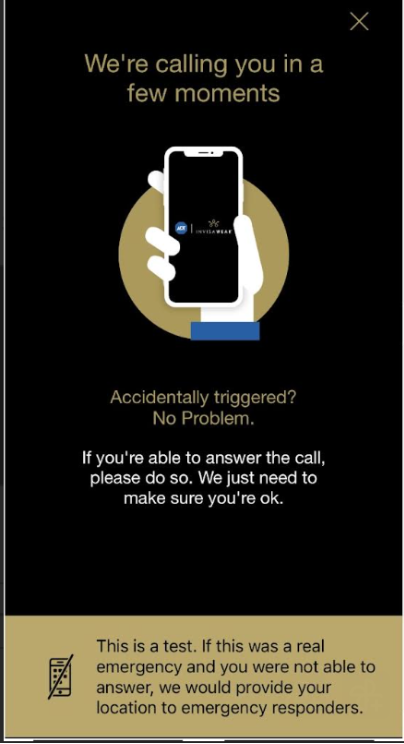
If the user lets the timer expire without entering the 4 digit pin, then the user will receive an automated callback stating:
This is ADT security, you activated a test alert through your Invisawear device. If this was an actual emergency we would notify police.
Emergency contacts will not be notified in this mode in the test mode. The only time emergency contacts are notified is if ADT contacts emergency services and an emergency has started.